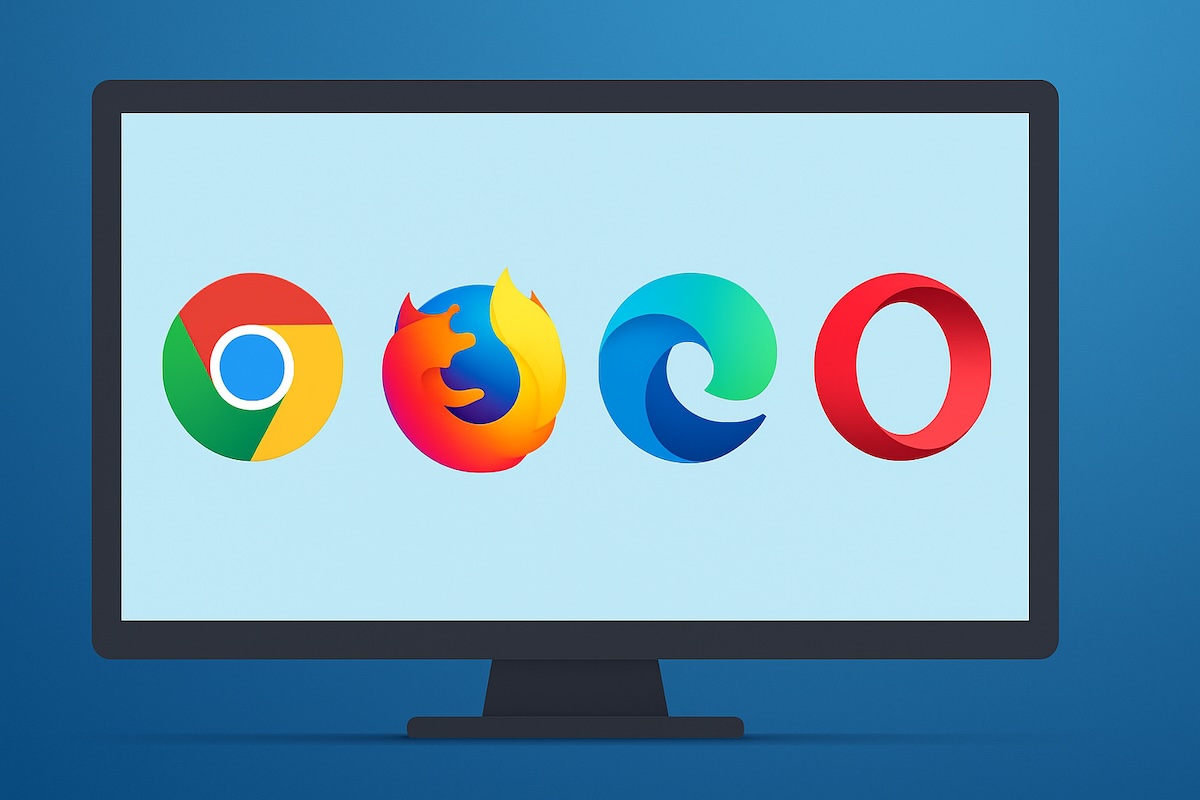
Choosing the right web browser for Windows 11 can significantly impact your daily computing experience. With numerous options available, each offering unique features, performance characteristics, and privacy approaches, selecting the perfect browser requires understanding what each brings to the table. This comprehensive guide examines twelve of the best browsers specifically optimized for Windows 11, providing a detailed analysis of their strengths and weaknesses to help you make an informed decision.
Key Factors to Consider Before Choosing the Right Browser
Here are some key points you should consider before choosing the right browser according to your needs.

Performance and Speed: Browser performance directly impacts your daily productivity and user experience. Consider how quickly pages load, how smoothly videos stream, and how responsive the interface feels during heavy usage. Chrome and Edge typically lead in speed benchmarks, while Firefox offers efficient memory management. Evaluate JavaScript execution speed, especially if you use web applications frequently. Test browsers with your typical workload, including multiple tabs and resource-intensive websites, to assess real-world performance on your Windows 11 system.
Privacy and Security Features: Privacy protection has become increasingly important as online tracking and data collection expand. Examine each browser’s default privacy settings, tracking protection capabilities, and data collection policies. Firefox and Brave excel in privacy protection, while Chrome collects extensive user data for Google services. Consider built-in features like ad blockers, tracker protection, and secure browsing warnings. Evaluate whether the browser offers private browsing modes, cookie management, and protection against fingerprinting techniques used by advertisers and trackers.
Compatibility and Extension Support: Website compatibility ensures smooth browsing across all your favorite sites and web applications. Chromium-based browsers (Chrome, Edge, Opera) generally offer the best compatibility, while Firefox occasionally encounters issues with certain websites. Extension availability can significantly enhance your browsing experience through ad blockers, password managers, and productivity tools. Chrome offers the largest extension library, while Firefox and Edge provide substantial alternatives. Consider whether your essential extensions are available for your preferred browser.
Resource Usage and System Impact: Browser efficiency affects your computer’s overall performance, especially on older systems or when multitasking. Monitor memory consumption, CPU usage, and battery drain when evaluating browsers. Edge and Firefox typically use fewer resources than Chrome, while specialized browsers like Vivaldi may consume more due to additional features. Consider how browsers handle multiple tabs, background processes, and system integration. Efficient resource management ensures smooth Windows 11 operation without sacrificing browsing functionality.
Integration and Ecosystem: Seamless integration with your existing digital ecosystem enhances productivity and convenience. Edge integrates perfectly with Microsoft services, Chrome excels with Google ecosystem, and Safari connects with Apple devices. Evaluate synchronization capabilities across your devices, cloud storage integration, and compatibility with your preferred email, calendar, and productivity services. Consider whether the browser supports your workflow requirements and connects well with other applications you use regularly.
1. Google Chrome
Google Chrome remains the global leader in web browsing, commanding approximately two-thirds of the market share. Its popularity stems from exceptional performance, extensive ecosystem integration, and comprehensive feature set that caters to both casual users and professionals.
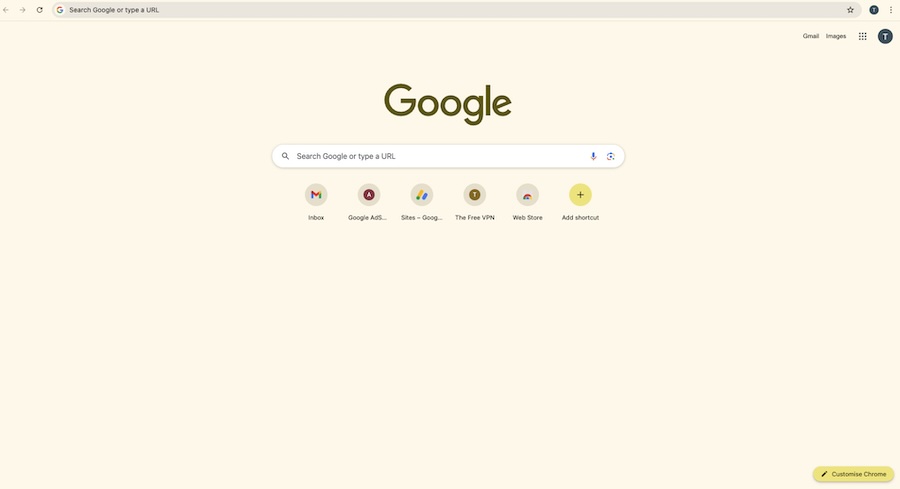
Chrome’s strength lies in its robust performance engine and seamless integration with Google services. The browser excels in speed tests, consistently outperforming competitors in loading times and JavaScript execution. Its vast extension library provides unparalleled customization options, while automatic updates ensure users always have the latest security patches and features. The synchronization capabilities across devices make it ideal for users invested in the Google ecosystem, allowing seamless transition between desktop, mobile, and tablet browsing experiences.

Pros:
- Fastest web browser for Windows with superior JavaScript performance
- Extensive Chrome Web Store with thousands of extensions and apps
- Excellent cross-platform synchronization and Google services integration
- Regular security updates and robust built-in security features
Cons:
- High memory consumption, especially with multiple tabs open
- Aggressive data collection practices raise privacy concerns
- Can slow down older or less powerful Windows 11 systems
- Google’s tracking ecosystem may not appeal to privacy-conscious users
2. Microsoft Edge
Microsoft Edge represents a complete transformation from its predecessor Internet Explorer, now built on the Chromium engine while maintaining Microsoft’s focus on Windows integration and productivity features. As Windows 11’s default browser, Edge is specifically optimized for Microsoft’s latest operating system.
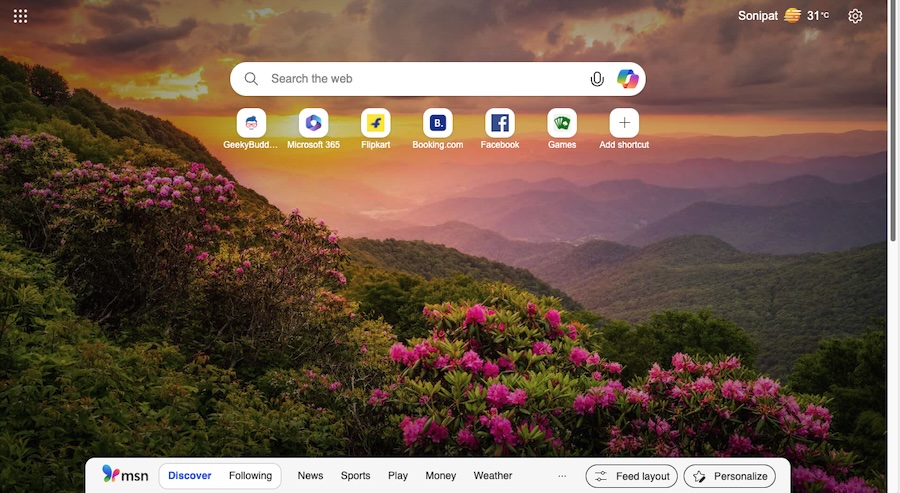
Edge distinguishes itself through innovative features like vertical tabs, Collections for organizing research, and sleeping tabs that reduce memory usage. Its integration with Microsoft services like Office 365, OneDrive, and Outlook creates a seamless workflow for business users. The browser includes unique security features like Application Guard and SmartScreen protection, while maintaining compatibility with Chrome extensions. Performance optimizations like Startup Boost and efficient resource management make it particularly well-suited for Windows 11.
Pros:
- Native Windows 11 integration with optimized performance and battery efficiency
- Innovative features like vertical tabs and Collections for enhanced productivity
- Strong security features including Microsoft Defender SmartScreen
- Compatible with Chrome extensions while offering unique Microsoft integrations
Cons:
- Aggressive promotion and difficulty in switching to alternative default browsers
- Heavy integration with Microsoft services may not suit all users
- Smaller extension library compared to Chrome
- Some privacy concerns regarding data sharing with Microsoft
3. Mozilla Firefox
Firefox has established itself as the champion of user privacy and open-source development, offering a genuine alternative to Chromium-based browsers. Its commitment to user control and privacy-first approach makes it popular among security-conscious users and those seeking independence from big tech ecosystems.
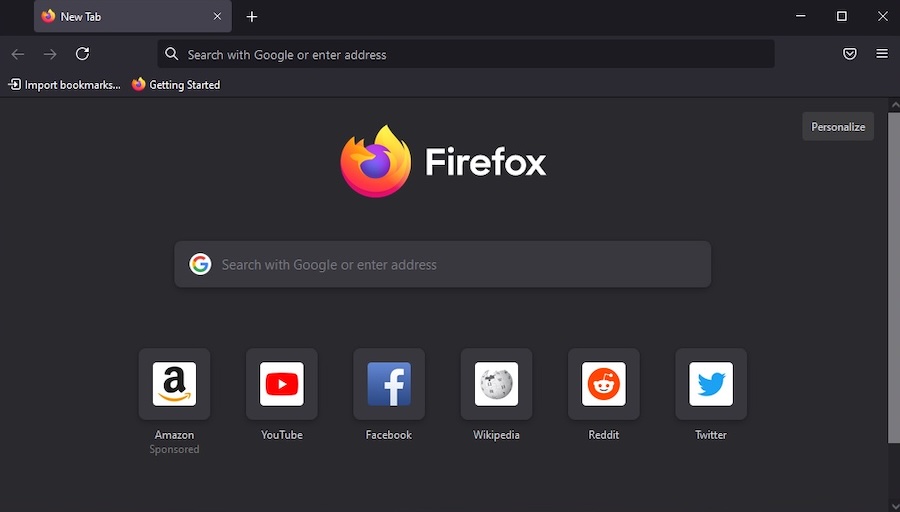
Firefox’s standout feature is its comprehensive privacy protection, including Enhanced Tracking Protection that blocks trackers by default and Facebook Container for isolating social media tracking. The browser offers extensive customization options through themes and add-ons, while maintaining efficient resource usage. Its Multi-Account Containers feature allows users to separate different aspects of their online life, and the browser’s commitment to open standards ensures compatibility across the web.
Pros:
- Superior privacy protection with built-in tracking protection and ad blocking
- Highly customizable interface with extensive theming and add-on options
- Efficient memory usage compared to Chrome-based browsers
- Strong commitment to open-source development and user rights
Cons:
- Slower performance in some web applications compared to Chromium browsers
- Smaller market share means some websites may not optimize for Firefox
- Limited integration with popular cloud services
- Some modern web features may lag behind Chromium implementation
4. Opera
Opera has evolved from its Java-based origins into a feature-rich browser that emphasizes unique tools and user convenience. Built on Chromium, it combines familiar performance with innovative features that set it apart from other browsers in the market.
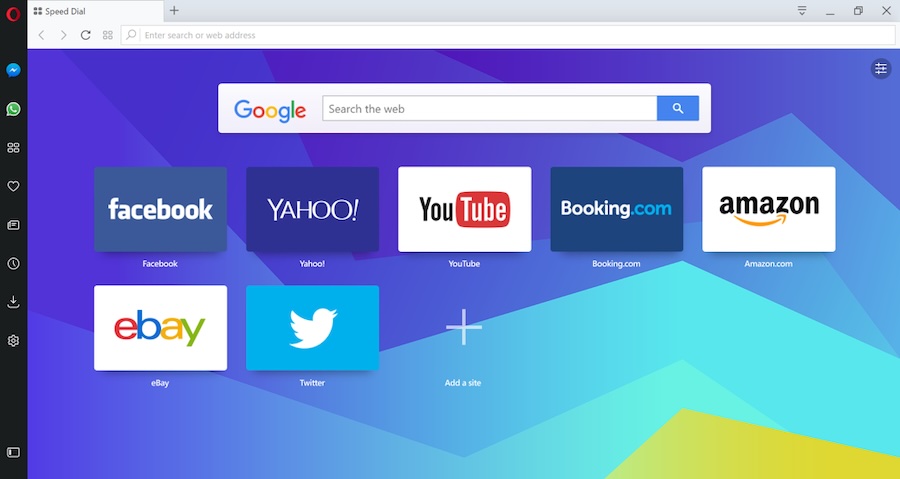
Opera’s most distinctive features include a built-in VPN service, integrated ad blocker, and cryptocurrency wallet. The browser’s workspace organization tools, sidebar messaging integration, and video pop-out functionality create a comprehensive browsing environment. Opera GX, its gaming variant, includes additional features like RAM and CPU limiters. The browser’s Turbo mode compresses web pages for faster loading on slower connections, while its visual bookmarks and Speed Dial create an attractive and functional start page.
Pros:
- Free built-in VPN service for enhanced privacy and geo-restriction bypassing
- Comprehensive ad blocking and tracking protection built into the browser
- Unique features like workspaces, sidebar messaging, and video pop-out
- Gaming-focused Opera GX variant with system resource management
Cons:
- Chinese ownership raises privacy concerns for some security-conscious users
- Smaller user base means less community support and fewer extensions
- Some features may feel overwhelming for users seeking simplicity
- VPN service has limited server locations and may affect browsing speed
5. Brave Browser
Brave has positioned itself as the privacy-focused browser that blocks ads and trackers by default while offering users the option to earn cryptocurrency through optional ad viewing. This unique approach to privacy and monetization has attracted users seeking both protection and potential earnings.
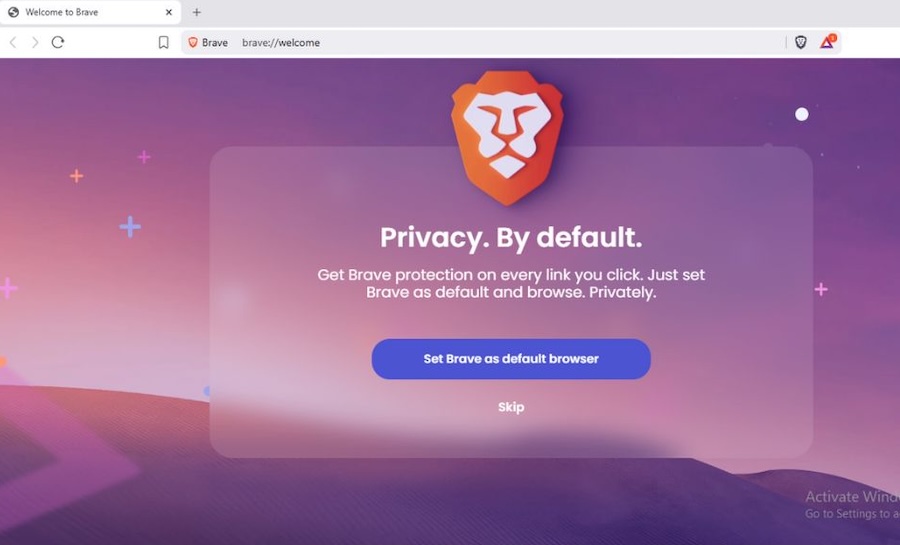
The browser’s primary strength lies in its aggressive blocking of advertisements, trackers, and malicious scripts without requiring additional extensions. This approach results in faster page loading times and reduced data consumption. Brave’s Basic Attention Token (BAT) system allows users to support content creators while earning rewards for viewing privacy-respecting ads. The browser includes built-in Tor integration for enhanced anonymity and IPFS support for decentralized web access.
Pros:
- Excellent default privacy protection blocking ads and trackers automatically
- Faster browsing speeds due to reduced content loading from blocked elements
- Cryptocurrency earning opportunities through the BAT rewards system
- Built-in Tor integration for enhanced anonymous browsing
Cons:
- Ad blocking may break functionality on some websites requiring ad revenue
- Smaller extension library compared to mainstream browsers
- BAT rewards system may not appeal to all users
- Some compatibility issues with websites designed assuming ad display
6. Vivaldi
Vivaldi represents the pinnacle of browser customization, developed by former Opera co-founder Jon von Tetzchner. This browser caters to power users who demand complete control over their browsing environment and extensive personalization options.
Vivaldi’s standout feature is its unprecedented level of customization, allowing users to modify virtually every aspect of the interface. Tab stacking, tiling, and management features surpass other browsers, while built-in tools like notes, calendar, and email client create an integrated workspace. The browser includes advanced features like mouse gestures, keyboard shortcuts customization, and detailed privacy controls. Its approach to user interface design emphasizes efficiency and personalization over simplicity.
Pros:
- Unmatched customization options for interface, shortcuts, and functionality
- Advanced tab management including stacking, tiling, and grouping features
- Built-in productivity tools like notes, calendar, and email client
- Strong privacy focus with detailed tracking protection settings
Cons:
- Steep learning curve due to extensive features and customization options
- Can be overwhelming for casual users seeking simple browsing experience
- Higher resource usage when multiple built-in tools are active
- Smaller community and support base compared to mainstream browsers
7. Safari (via iCloud for Windows)
While Safari is primarily a macOS browser, Windows users can access Safari through iCloud for Windows, providing a limited but functional browsing experience for those invested in Apple’s ecosystem.

Safari’s main advantages include exceptional energy efficiency and strong privacy protection through Intelligent Tracking Prevention. The browser’s WebKit engine provides good performance for standard web browsing, while integration with Apple services offers seamless synchronization for users with multiple Apple devices. Safari’s privacy features include cross-site tracking prevention and privacy reports showing blocked trackers.
Pros:
- Excellent energy efficiency and battery optimization on supported devices
- Strong privacy features with Intelligent Tracking Prevention
- Seamless integration with Apple ecosystem and iCloud services
- Clean, minimalist interface design
Cons:
- Limited availability and functionality on Windows compared to macOS
- Smaller extension library and customization options
- Some websites may not be optimized for WebKit engine
- Less frequent updates and feature additions compared to other browsers
8. Tor Browser
Tor Browser provides the highest level of anonymity and privacy protection available in mainstream browsers, routing traffic through the Tor network to protect user identity and location from surveillance and tracking.
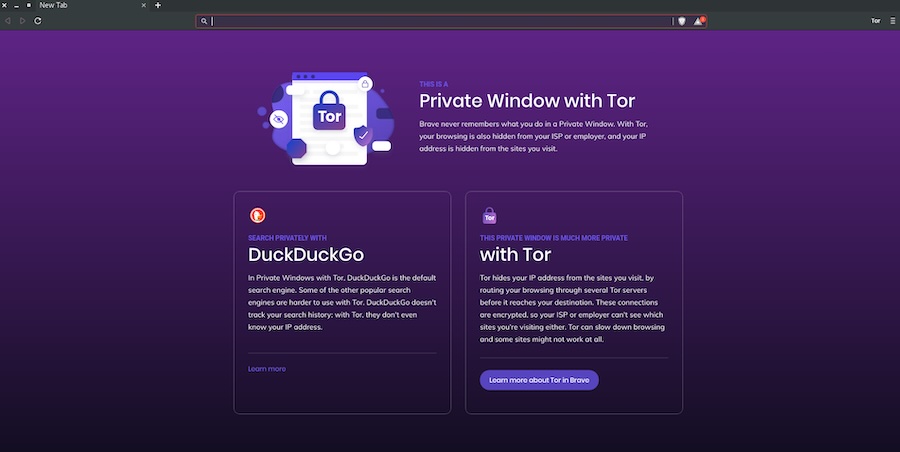
Built on Firefox with extensive privacy modifications, Tor Browser blocks trackers, resists fingerprinting, and automatically deletes cookies and history after each session. The browser routes connections through multiple encrypted relays, making user activity extremely difficult to trace. Its security features include NoScript integration and protection against various tracking methods. The browser is essential for users requiring maximum privacy protection, journalists, activists, and those accessing the internet in restrictive environments.
Pros:
- Maximum anonymity protection through encrypted multi-relay routing
- Comprehensive privacy features blocking all forms of tracking
- Access to .onion sites and circumvention of internet censorship
- Regular security updates focused on privacy protection
Cons:
- Significantly slower browsing speeds due to multiple relay routing
- Some websites may block or limit access from Tor exit nodes
- Limited functionality due to disabled JavaScript and plugins
- Complex setup and usage may intimidate casual users
9. Waterfox
Waterfox represents a Firefox-based browser optimized for speed and privacy while maintaining compatibility with legacy Firefox extensions. This browser appeals to users who appreciate Firefox’s foundation but want enhanced performance and fewer restrictions.
Waterfox removes telemetry and data collection features found in standard Firefox while maintaining the familiar interface and functionality. The browser supports both modern WebExtensions and legacy Firefox add-ons, providing broader compatibility. Its focus on user privacy includes disabled telemetry, removed sponsored content, and enhanced tracking protection. Performance optimizations and 64-bit architecture provide improved speed and stability compared to standard Firefox.
Pros:
- Enhanced privacy with removed telemetry and data collection
- Support for both modern and legacy Firefox extensions
- Improved performance optimizations over standard Firefox
- Familiar Firefox interface without unwanted features
Cons:
- Smaller development team may result in slower security updates
- Limited user base and community support
- May lack some newer Firefox features and improvements
- Compatibility issues with some modern web standards
10. LibreWolf
LibreWolf takes Firefox’s open-source foundation and enhances it with aggressive privacy protection and security hardening, creating a browser focused exclusively on user privacy and freedom from corporate influence.
This browser removes all telemetry, sponsored content, and Mozilla’s privacy-compromising features while implementing additional security measures. LibreWolf includes uBlock Origin pre-installed, enhanced tracking protection, and hardened security settings that may break some websites but provide maximum protection. The browser’s commitment to user privacy extends to removing features that could compromise anonymity, including WebRTC and geolocation APIs by default.
Pros:
- Maximum privacy protection with removed telemetry and tracking features
- Pre-configured security settings optimized for privacy over convenience
- No corporate influence or sponsored content integration
- Regular security updates focused on privacy enhancement
Cons:
- Aggressive security settings may break website functionality
- Limited user support and documentation compared to mainstream browsers
- May require manual configuration for optimal daily use experience
- Smaller development community may affect update frequency
11. SeaMonkey
SeaMonkey represents a complete internet suite combining web browsing with email, newsgroup, and web development tools in a single application. This approach appeals to users who prefer integrated functionality over separate applications.
Based on Mozilla’s technology, SeaMonkey provides Firefox-level web browsing capabilities alongside a full-featured email client, HTML editor, and IRC chat client. The integrated approach reduces resource usage compared to running separate applications while maintaining familiar Mozilla interfaces. The browser includes comprehensive customization options and supports many Firefox extensions, creating a versatile internet toolkit.
Pros:
- Integrated internet suite combining browser, email, and development tools
- Lower overall resource usage compared to separate applications
- Comprehensive customization options and extension support
- Familiar Mozilla-based interface and functionality
Cons:
- Less frequent updates compared to dedicated browser applications
- Interface may feel outdated compared to modern browser designs
- Smaller user base results in limited community support
- Some components may lack features found in dedicated applications
12. Pale Moon
Pale Moon represents a completely independent browser built on the Goanna engine, forked from Firefox but developed with different priorities focusing on customization and user choice over modern web standards compliance.
This browser maintains support for legacy extensions and technologies that other browsers have abandoned, appealing to users who prefer traditional browsing experiences. Pale Moon emphasizes user customization and control, allowing extensive interface modifications and maintaining support for technologies like XUL and XPCOM. The browser focuses on efficiency and user choice rather than following mainstream web development trends.
Pros:
- Support for legacy extensions and technologies abandoned by other browsers
- Extensive customization options for interface and functionality
- Independent development free from corporate influence
- Focus on user choice and traditional browsing experiences
Cons:
- May not support some modern web standards and technologies
- Smaller development team affects security update frequency
- Limited compatibility with some modern websites and applications
- Reduced performance compared to modern browser engines
Why Choose Each Browser?
The choice of web browser depends on your specific needs, priorities, and usage patterns. Google Chrome remains the top choice for users prioritizing speed, extension availability, and Google service integration, despite privacy concerns. Microsoft Edge offers the best Windows 11 integration and productivity features for Microsoft ecosystem users.
Mozilla Firefox serves users prioritizing privacy and open-source values, while Opera provides unique features like built-in VPN and ad blocking. Brave appeals to privacy-conscious users interested in cryptocurrency rewards, and Vivaldi satisfies power users demanding extensive customization.
Specialized browsers like Tor Browser serve specific privacy needs, while alternatives like Waterfox and LibreWolf offer enhanced privacy versions of familiar interfaces. SeaMonkey and Pale Moon cater to users preferring traditional, integrated approaches to web browsing.
Conclusion
The browser landscape in 2025 offers unprecedented choice and specialization, with options ranging from mainstream powerhouses to privacy-focused alternatives and specialized tools. Google Chrome maintains its position as the fastest and most popular browser for Windows 11, while Microsoft Edge provides optimized Windows integration with features like Startup Boost and Sleep Tabs.
For users prioritizing privacy, browsers like Firefox offer privacy-first approaches with strong customization options, while Brave blocks ads and trackers by default for enhanced privacy and speed. Opera stands out with its built-in VPN, ad blocker, and crypto wallet integration.
The key to choosing the right browser lies in identifying your primary needs: speed and compatibility favor Chrome or Edge, privacy protection points toward Firefox or Brave, while unique features and customization suggest Opera or Vivaldi. Specialized needs like maximum anonymity require Tor Browser, while users preferring alternatives to mainstream options might consider Waterfox or LibreWolf.
Rather than settling for default choices, Windows 11 users should evaluate their browsing habits, privacy concerns, and feature requirements to select a browser that truly enhances their computing experience. The diverse ecosystem ensures that whether you prioritize speed, privacy, features, or freedom, there’s a browser specifically designed to meet your needs while providing optimal performance on Windows 11.