Every Windows 11 machine needs at least one administrator account to install software, change system settings, and manage other user profiles. While most ...
 Sukhdev Kamboj
Few things trigger panic quite like realizing you just deleted a file you actually needed. Maybe you cleared out a folder in a hurry, a sync glitch wiped ...
If you type in more than one language, or if you've ever needed to switch between a standard QWERTY layout and something like Dvorak, Colemak, or a regional ...

Internet Explorer officially retired years ago, but its ghost still lingers in thousands of workplaces around the world. Many organizations built internal ...
Windows 11 includes several built-in troubleshooting tools that can automatically diagnose and sometimes fix common problems with Windows Update, network ...
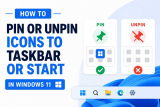
Windows 11 makes it easy to keep your favorite apps within quick reach by pinning them to the Taskbar or Start menu. Instead of searching for an application ...
Windows 11 and Windows 10 keep detailed records of many important system activities, including when the computer starts, shuts down, restarts, crashes, or ...
Internet Protocol version 6 (IPv6) is the modern successor to IPv4, designed to solve the problem of address exhaustion and to support the ever-growing number ...
 Geeksdigit Team
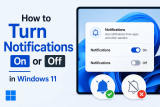
Notifications are meant to keep you informed — a new email, a calendar reminder, a Windows Update alert, or a message from an app. But when they pile up, they ...
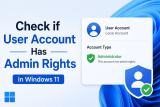
Knowing whether a Windows 11 account has administrator privileges matters more than most people realize. Admin rights determine whether you can install ...
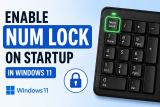
If you regularly use the numeric keypad on your keyboard, having Num Lock enabled automatically when Windows starts can save you from pressing the Num Lock ...
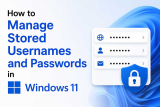
In today’s digital world, we log in to dozens of accounts every day—email, social media, shopping, banking, work portals, and countless apps. Remembering all ...
- « Previous Page
- 1
- …
- 3
- 4
- 5
- 6
- 7
- …
- 22
- Next Page »
